An MCP server for issue trackers · v0.4
Ask your issue tracker in plain language.
Install, in your agent
Install prompt
Add the Toolport MCP server to Claude Code with claude mcp add toolport -- npx -y @toolport/mcp, then run /mcp to check its four tools are listed and ask me for my issue tracker token.
Paste it into Claude Code
or run it in your terminal
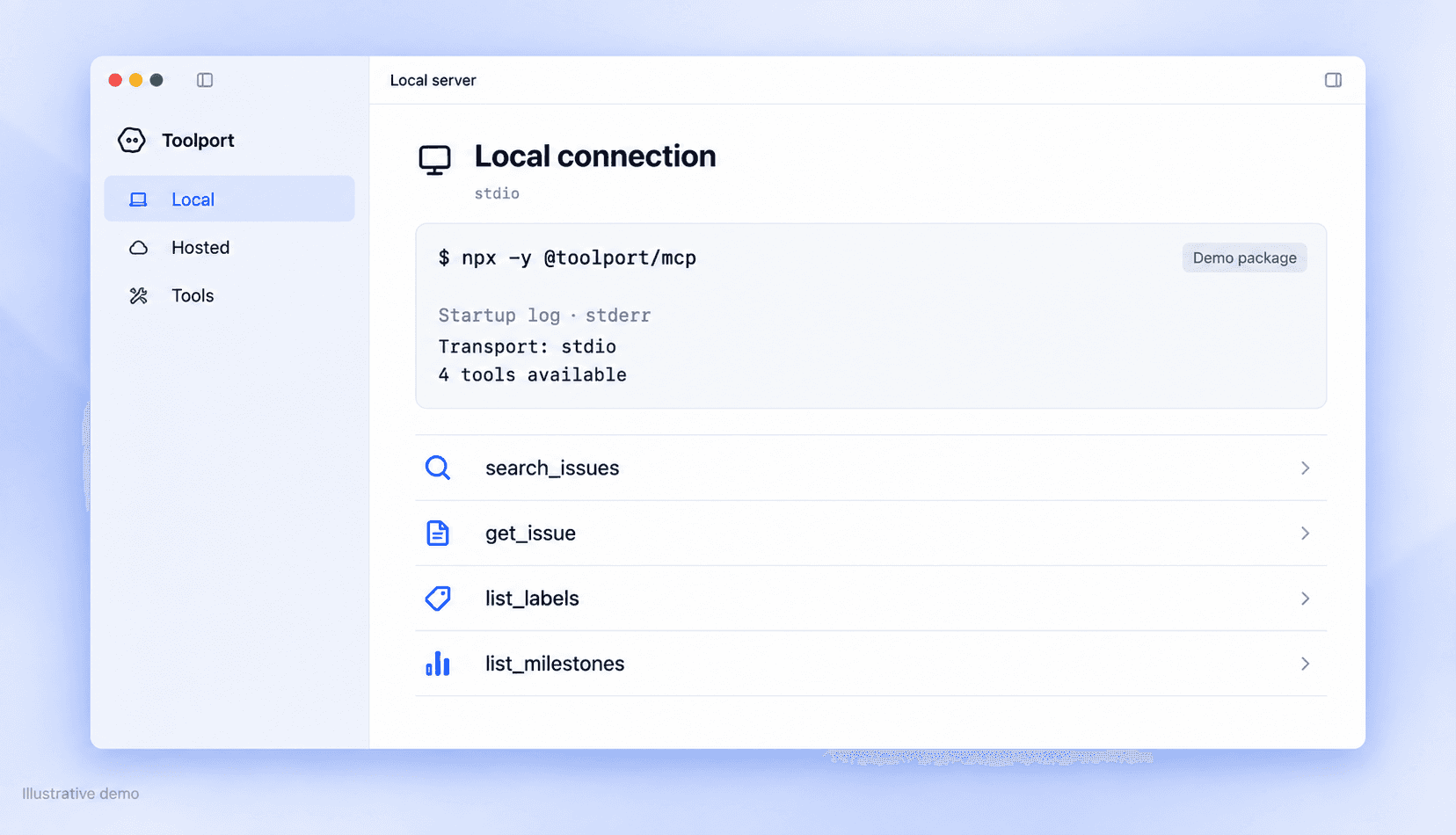
claude mcp add toolport -- npx -y @toolport/mcp
read-only · repo:read · ≤ 50
Demo values. Swap in your own package and token.
All install guides


One request, one call,
one result.
You asked
¹
and 3 more. Read-only: nothing was changed.
¹ the call
search_issues
  repo   "acme/sdk"
  state  "open"
  label  "bug"
  limit  50
scope repo:read · 7 returned
Four tools, all read-only.
It reads. It never writes.
repo:read is the only scope requested
≤ 50 results per call
No comments, attachments or history are returned
Revoke the token and access stops immediately


Run it your way
Hosted
https://mcp.toolport.example/mcp
streamable HTTP · OAuth sign-in

Questions
No. All four tools are read-only and run under repo:read. It can’t create, edit, comment on or close anything.
Issue summaries and descriptions, labels and milestones from the repositories your token can access. You choose which repositories to connect.
Search returns 20 results by default. You can raise limit to 50, or narrow the request by state, label or milestone. A truncated flag tells you when more results exist.
With self-hosting, your token stays on your machine. With the hosted server, Toolport uses it to access the repositories you authorize.
Claude Code, Codex, Cursor, Antigravity, Claude Desktop and VS Code. You can also connect an MCP-compatible client manually.
Start with one request.
Install Toolport, then ask your agent
“Find open bugs in the SDK.”